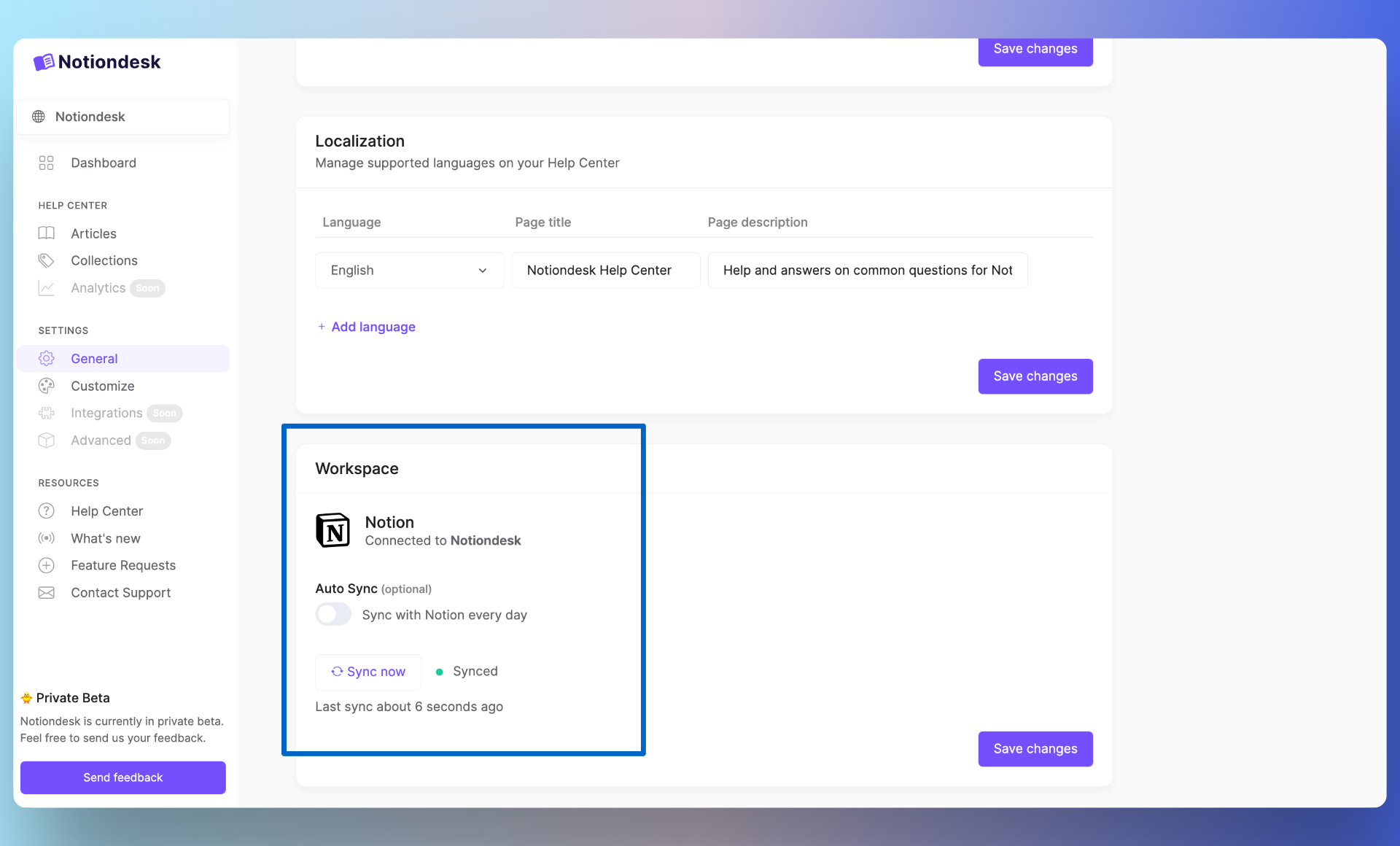
🎉 You can manage the synchronization of your Help Center from your settings, either an automatic synchronization every day or a manual synchronization.
Disable automatic synchronization
By default, your Help Center is automatically synchronized every day. But you can deactivate this synchronization if necessary. Go to your settings (General), Workspace section.
Manual synchronization
You can also start a manual synchronization. Just click on the "Sync now" button.
Handy in case you want to immediately see your changes from Notion.